I’ve administered all three of these platforms at one point or another. Slack for a 40-person agency in Toronto, Microsoft Teams for a 1,200-employee client during their Office 365 rollout, and Discord for a tech community I co-moderate with about 4,000 members. They look superficially similar — channels, threads, video calls, file sharing — but the actual day-to-day experience is wildly different.
Here’s the honest comparison I wish someone had given me before I made the wrong choice for that agency rollout in 2021.
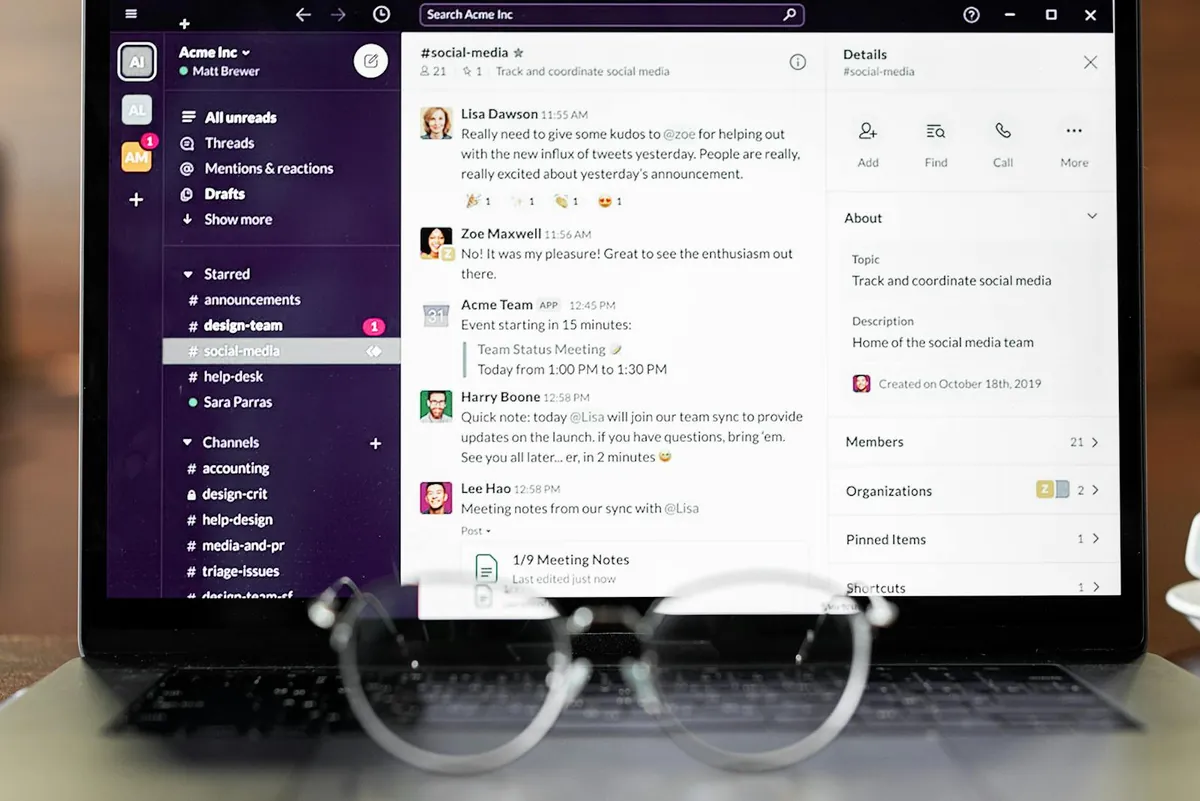
How do Slack, Discord, and Teams compare at a glance?
| Feature | Slack | Discord | Microsoft Teams |
|---|---|---|---|
| Free tier | 90-day message history, 10 integrations | Unlimited messages, 25 MB upload | Free with M365, or limited free standalone |
| Paid entry | $8.75 USD/user/mo (C$12) | $9.99 USD/mo Nitro (per user, optional) | $6 USD/user/mo (M365 Business Basic) |
| Max users | 500k+ (Enterprise Grid) | 500k per server | 10,000 per team |
| Video calling | Huddles (50 people) | 50 in voice channel, 25 video | 1,000 in meeting, 10,000 webinar |
| Integrations | 2,400+ apps | ~50 official bots + webhooks | 1,000+ via M365 |
| Storage | 5 GB free / 10 GB per user paid | 25 MB free upload / 500 MB Nitro | 1 TB OneDrive per user (M365) |
| Best for | SMB, startups, agencies | Communities, gaming, creators | Enterprise, M365 shops |
What does Slack do better than the other two?
Two things, mainly: integrations and workflow polish.
Slack’s app directory has over 2,400 integrations as of January 2026, and the deep ones — GitHub, Jira, Linear, Zendesk, HubSpot — feel native, not bolted-on. The workflow builder lets you create custom forms, automated reminders, and approval chains without writing code. I built a “client onboarding” workflow in about 90 minutes that pulled data from a Google Sheet, posted to a private channel, and tagged the right account manager. That’s hard to replicate in Teams without a Power Automate flow and considerably more clicking.
The other thing Slack does better is messaging UX. Threads are clean, you can pin messages without the channel falling apart, search is fast, and the keyboard shortcuts are the best in the category. I can navigate three workspaces with my hands never leaving the keyboard.
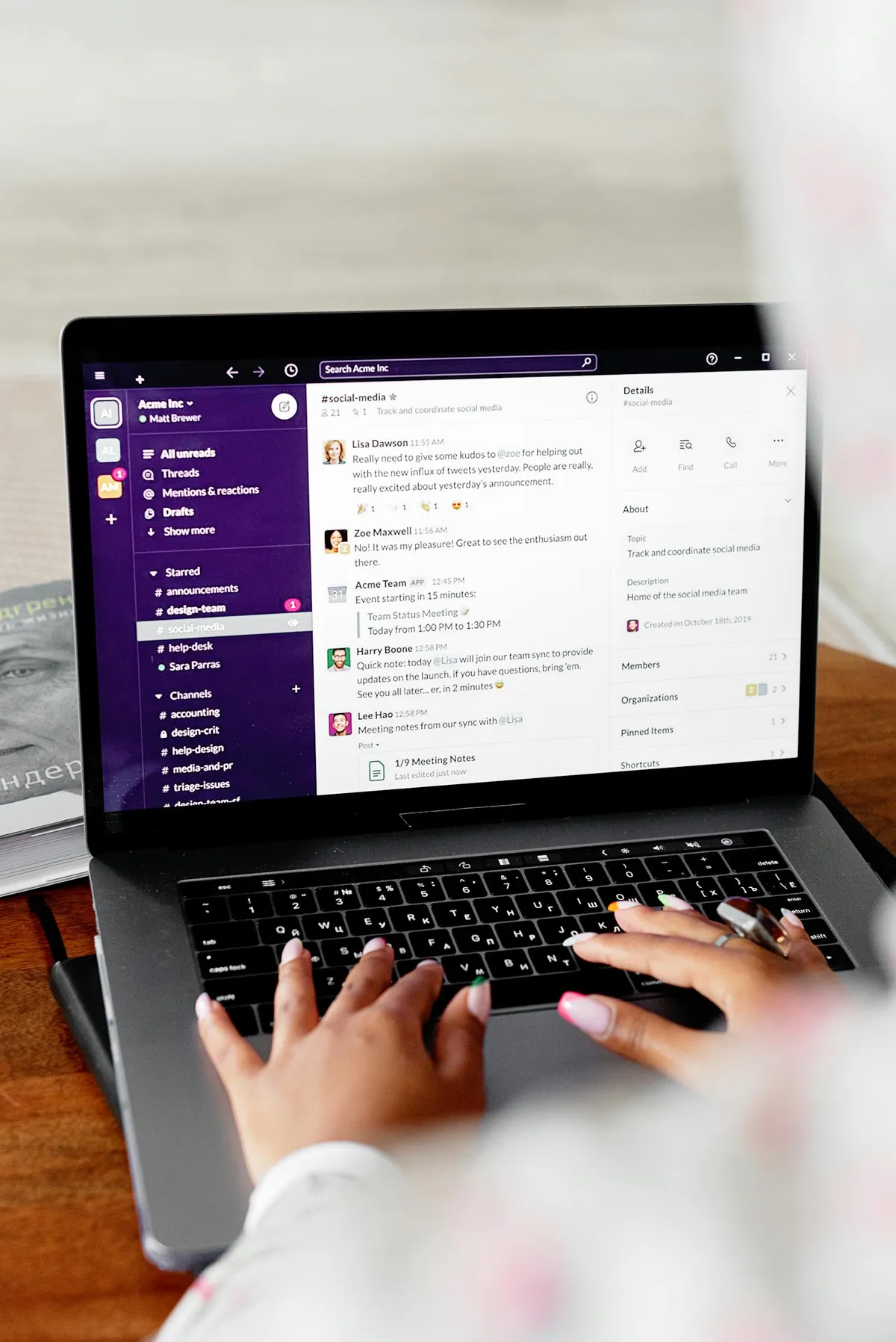
The downside: the free tier got worse. Slack now limits free workspaces to 90 days of message history. For tiny teams running on the free plan, that’s a real loss — old messages just disappear. The Pro plan at $8.75/user/mo USD (or C$12 in Canada at current pricing) removes the limit, but for a 20-person team that’s $175/mo USD. Real money.
Where does Microsoft Teams pull ahead?
Teams wins on three fronts: Office integration, meeting scale, and price-when-bundled.
If your company already pays for Microsoft 365 Business Basic ($6 USD/user/mo) or higher, Teams is included. You’re not paying extra. For a 50-person company on M365 Business Standard ($12.50 USD/user/mo), Teams plus full Office apps plus 1 TB of OneDrive per user is genuinely good value.
Meetings are where Teams really crushes Slack. Slack Huddles tops out at 50 participants. A Teams meeting handles 1,000, and a Teams webinar handles 10,000. If your work involves all-hands meetings, customer demos, or external client calls of any scale, Teams is built for it. Slack Huddles is a “quick voice chat” tool, not a meeting tool.
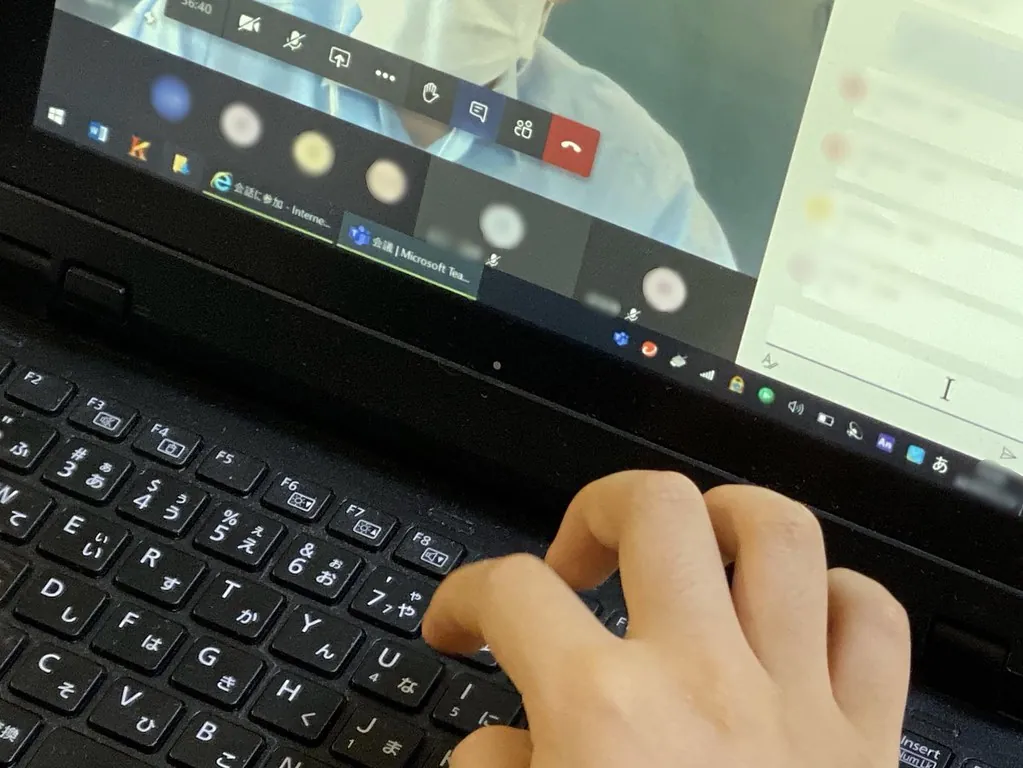
The downsides are real, though. Teams is heavier — the desktop app eats more RAM (my measurements: 850 MB idle vs Slack’s 400 MB and Discord’s 280 MB). Channel and chat organization is more confusing than Slack’s. And the M365 admin center makes simple tasks like adding a guest user feel like filling out a tax return.
I cover the meeting-platform side of this in detail in Zoom vs Google Meet vs Microsoft Teams.
Why is Discord still in this conversation in 2026?
Because for communities of more than a few hundred people, Discord is genuinely better than the other two — and it’s free.
The killer Discord feature is always-on voice channels. You don’t “start a meeting” in Discord; you walk into a voice room and someone else might already be there. For remote-first teams that miss the casual hallway chat of an office, that’s huge. I run a 12-person hobby project on Discord and the always-on voice room gets more use than any scheduled meeting we’ve ever tried.
Discord’s other strengths: unlimited message history on the free tier, far better mobile app than Slack or Teams, lighter on system resources, and a much better experience for groups bigger than a few hundred members. Slack and Teams both start to feel sluggish at 1,000+ users in a single workspace.

Why doesn’t Discord win for business? Three reasons. It’s not designed for it — there’s no admin audit log that satisfies enterprise compliance, no SSO on the free tier, and the workflow/integration story is far behind Slack. Second, the perception problem — clients still expect Slack or Teams; Discord raises eyebrows in B2B contexts. Third, file management — Discord’s 25 MB free upload cap is too low for design-heavy teams. Nitro ($9.99/mo USD) bumps it to 500 MB but you’re paying per person.
Which one should a 10-person startup pick?
This is the question I get most often, and my honest answer is: Slack, if you can afford the $87.50/mo USD (10 × $8.75) for Pro. For 10 people on the free tier, you’ll lose 90+ days of history regularly, and that gets painful for any team that needs to look up old decisions.
If that’s too much budget at this stage, the second pick is actually Microsoft Teams free standalone (not the M365 version). It has fewer features than the paid version, but unlimited message history and 5 GB storage. For a frugal startup that doesn’t need integrations yet, it’s fine.
Skip Discord for a typical startup — the perception issue with clients isn’t worth fighting against unless you’re specifically a community-driven product.
Which one should a 500-person enterprise pick?
Microsoft Teams, almost without exception. If you’re paying for M365 anyway, the integration and scale story is overwhelming. Slack Enterprise Grid is a genuine competitor at the very high end, but the per-seat pricing climbs fast and the M365 bundling kills it for most CFOs.
The one exception: companies that are heavily Google Workspace based. Teams works there but feels foreign. Slack integrates with Google Drive and Calendar much more naturally, and the Workspace pricing means you’re not double-paying for Microsoft.
Which one should a community or creator pick?
Discord, every time. The free tier is built for thousands of users, the voice channels are the best in the category, and bots make moderation tractable. If you’re running a Twitch community, a Patreon group, or any kind of public-facing fan club, Discord is the answer.
What about Slack vs Teams for hybrid teams?
If your team is split between in-office and remote, both work. Slack’s mobile app is significantly better than Teams’ (faster, cleaner, fewer notification bugs). Teams’ video meetings are significantly better than Slack’s. Pick based on whichever pain point hurts more — quick mobile messaging (Slack) or proper meetings (Teams).
How do I migrate from one to the other?
The bad news: no official chat history migration exists between any two of these. The good news: most teams that migrate just declare a cutoff date, export old data as JSON for archive, and start fresh in the new platform.
For Slack → Teams: use the Microsoft Mover tool to bring over files. Channels and DMs you re-create manually. Plan on 1–2 days of admin work for a 50-person migration.
Frequently Asked Questions
Is Slack free forever?
The free tier itself doesn’t expire, but it’s now limited to 90 days of message history and 10 integrations. For small or short-lived teams, the free tier is functional. For any team that needs to search old conversations regularly, the Pro plan ($8.75 USD/user/mo) becomes worth it within a few months.
Is Microsoft Teams included with my Office subscription?
Yes, Teams is included with every Microsoft 365 Business plan (Basic at $6 USD/user/mo through Premium at $22 USD/user/mo). It’s also included with Microsoft 365 Personal and Family for individual users. Standalone Teams is available free with limits.
Can Discord replace Slack for a real business?
Technically yes, in practice rarely. Discord lacks enterprise SSO on the free tier, has no audit logs that satisfy SOC 2 requirements, and clients see it as a gaming platform. For internal teams that don’t need any of that, Discord works fine — but it’s a non-standard choice that you’ll spend energy explaining.
Which has the best video calling quality?
Microsoft Teams by a wide margin, especially for groups over 10 people. It handles 1,000 participants per meeting, has the best noise suppression in the category, and integrates with hardware conference room systems. Discord’s voice is excellent for small groups but isn’t designed for formal meetings. Slack Huddles is purely for quick spontaneous chats.
Are any of them HIPAA-compliant?
Microsoft Teams (with Business Premium or Enterprise plans and a signed BAA) and Slack (Enterprise Grid with a signed BAA) are HIPAA-compliant. Discord is not. For healthcare-related work, your only real choices are Teams Enterprise or Slack Enterprise Grid.
If your decision hinges on meeting features specifically, my Zoom vs Google Meet vs Teams comparison goes deeper. For storage that pairs with whichever platform you pick, see Google Drive vs OneDrive vs Dropbox. And for note-taking that integrates with all three, check the best free note-taking apps for 2026.
— Mark Thompson, Toronto
