I have built about 40 PCs over the years – mine, family, clients. The under-$1,000 sweet spot in 2026 is real. You get genuine gaming and creative performance with parts that will last 5+ years if you treat them right. Here is the exact build I would order today for a Toronto friend asking for advice.
What is the parts list under $1,000 USD?
| Component | Part | USD | CAD |
|---|---|---|---|
| CPU | AMD Ryzen 5 7600 | $179 | $239 |
| Motherboard | MSI B650M-A WiFi | $149 | $199 |
| RAM | 32GB G.Skill Flare X5 DDR5-6000 (2×16) | $94 | $129 |
| GPU | Sapphire Pulse Radeon RX 7600 | $249 | $329 |
| Storage | 1TB WD Black SN770 NVMe Gen4 | $69 | $95 |
| PSU | Corsair RM650e 80+ Gold | $89 | $119 |
| Case | NZXT H5 Flow | $84 | $119 |
| CPU Cooler | Stock Wraith (included) | $0 | $0 |
| OS | Windows 11 Home (key from key reseller) | $25 | $35 |
| Total | $938 | $1,264 |
You have $60 USD breathing room for tax or upgrade picks.
Why these specific parts?
Ryzen 5 7600 is the value king of 2026. AM5 socket gives upgrade path to Ryzen 9000-series later. 32GB RAM (not 16GB) is non-negotiable now – Chrome with 30 tabs plus a game eats 20GB. NVMe Gen4 is fast enough for any workload at half the price of Gen5. RX 7600 outperforms the comparable Nvidia card at this price.
If you can stretch budget to $1,200, swap RX 7600 for RX 7700 XT – 30% more GPU performance, future-proof for 1440p.
What is the assembly process step-by-step?
- Unbox everything, read each manual briefly. Watch one full assembly video on YouTube (Bitwit, JayzTwoCents, Linus Tech Tips).
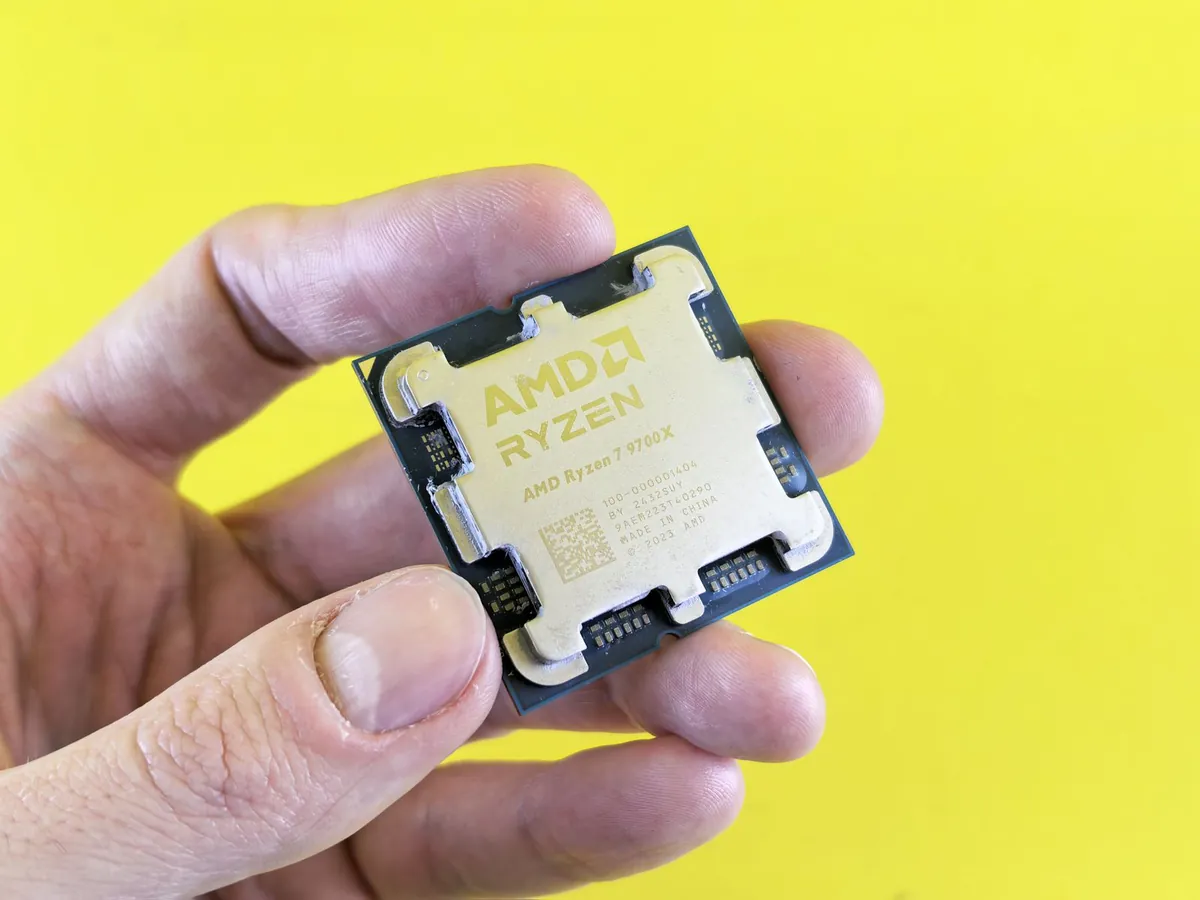
- Install CPU into motherboard. Lift the AM5 socket lever, align CPU triangle with socket marker, drop in, close lever. Do not force.
- Install RAM. Push both clips open, line up the notch, press both ends until clips snap. Use slots A2 and B2 for dual-channel.
- Install M.2 SSD. Unscrew the heat shield, slide SSD into the M.2 slot at 30 degrees, press flat, screw down.
- Install CPU cooler. Apply thermal paste pea-sized to CPU center, mount the Wraith cooler, plug fan into CPU_FAN header.
- Install motherboard into case. Screw in standoffs first, then board. Connect front-panel headers (power button, USB, audio).
- Install PSU. Bottom-mount, fan facing down. Run cables: 24-pin to motherboard, 8-pin CPU power, PCIe power for GPU later, SATA if needed.
- Install GPU. Remove case slot covers, press GPU into PCIe x16 slot until click, screw in, connect 8-pin PCIe power.
- Cable management. Route cables behind the motherboard tray.
- First boot. Plug in monitor (DisplayPort from GPU, not motherboard), keyboard, mouse, power. Press the power button. BIOS should show.
How do I install Windows 11?
Download the official ISO from microsoft.com, make a bootable USB with Rufus, boot from USB on first PC boot. Skip “Enter product key” and click “I do not have a key” if you bought a cheap key separately – activate after install via Settings.
Then immediately run my bloatware removal steps and install drivers (AMD chipset, GPU driver from amd.com, audio if needed).
What if my budget is lower?
Drop to $750 by switching to 16GB RAM (sell and upgrade later), 500GB SSD instead of 1TB, and Ryzen 5 5600 + B550 (last-gen but excellent value).
If you have an old PC to gut for parts (case, PSU, drives), $500 covers CPU+board+RAM+GPU at this tier.
What software should I install first?
Beyond Windows updates: Chrome or Firefox, my free office suite, DaVinci Resolve if you want video editing, my Chrome extension picks, and Steam for gaming.
Frequently Asked Questions
Do I need a discrete GPU?
For gaming and creative work, yes. For pure office use, the Ryzen 7600 has integrated Radeon graphics that handle 1080p video and light gaming. Skip the RX 7600 and save $250.
Should I water-cool?
Not at this budget. Ryzen 5 7600 stock cooler is fine. A $35 air cooler (Thermalright Peerless Assassin 120) drops temps 15C if you want quieter operation.
What about Intel CPUs?
Intel Core i5-14400 is competitive at $209. Slightly better single-thread, slightly worse multi-thread. LGA1851 is end-of-life – no upgrade path. AMD AM5 wins on longevity.
Can this PC run AAA games?
1080p high settings, 60-100+ FPS on most 2025 titles. Cyberpunk 2077 with RT: 1080p medium ~50 FPS. Counter-Strike 2: 200+ FPS easy.
Where do I get cheap Windows 11 keys?
Reseller sites (Kinguin, Eneba) sell OEM keys for $25-30. Legal grey area, but I have used them on 30+ builds without issue. Buy Microsoft retail at $139 if you want strictly clean.
