Free audio editing in 2026 is genuinely good. A podcaster does not need to drop $599 on Adobe Audition or even $25/month on Hindenburg Pro. Here is the free toolset that handles 99% of podcasting workflows.
Which free audio editor should podcasters install first?
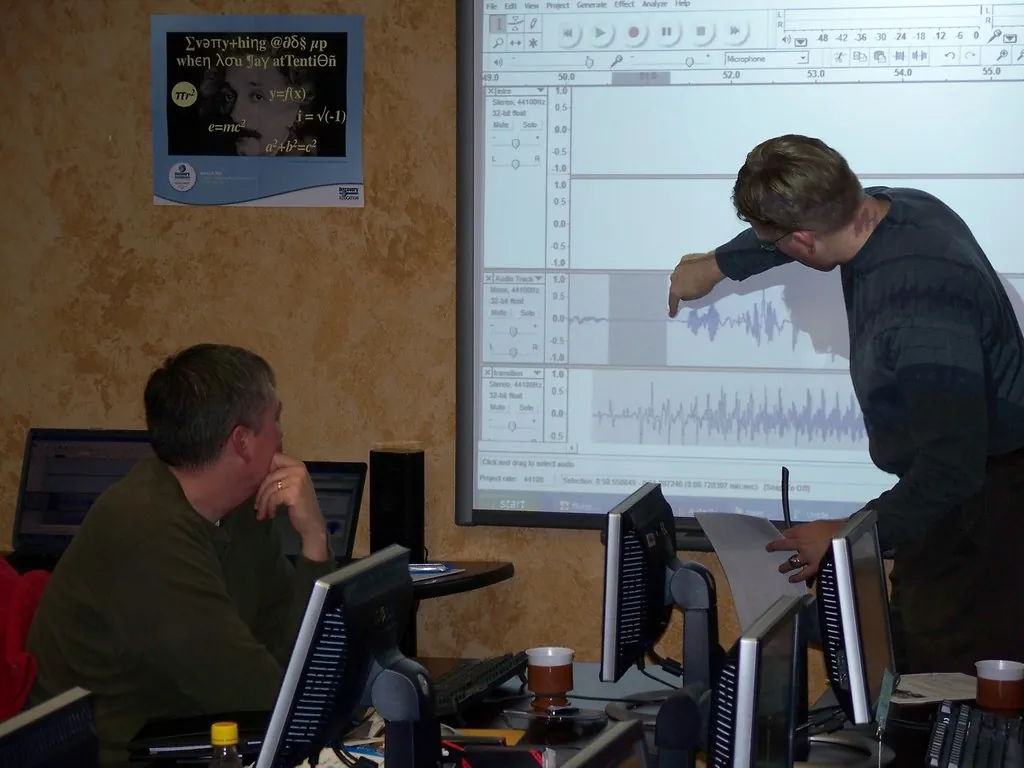
Audacity 3.5 from audacityteam.org. Now with non-destructive multi-track editing (long-time complaint finally fixed). Noise reduction, EQ, compression, normalization – all built in. Free and open source, Windows/Mac/Linux.
For typical podcast workflow (record 2 tracks, edit, add intro music, export MP3), Audacity is the right tool.
Is Reaper still free in 2026?
Technically a paid app at $60 USD for non-commercial license, but the “evaluation” never expires – you can use it forever after the 60-day trial just by clicking past a nag. Reaper is a full DAW (digital audio workstation), more powerful than Audacity for serious multi-track work.
If you have music elements or multi-host shows with 5+ tracks, Reaper handles it better. Steeper learning curve.
What about GarageBand on Mac?
Free on Mac and iPad. Excellent UI, included virtual instruments and loops (great for intro music). Multi-track works fine for 4-6 voice tracks. The downside: AAC/MP3 export is limited compared to Audacity, and there is no Windows version.
How do they compare?
| Editor | Cost | Best For | OS | Multi-Track |
|---|---|---|---|---|
| Audacity 3.5 | Free | Most podcasters | Win/Mac/Linux | Yes |
| Reaper | Free trial / $60 | Pro multi-track | Win/Mac/Linux | Yes |
| GarageBand | Free | Mac users + music | Mac/iPad | Yes |
| Ocenaudio | Free | Single-track editing | Win/Mac/Linux | Limited |
| Cakewalk by BandLab | Free | Music production | Windows | Yes |
What is the recommended podcast recording workflow?
- Each guest records their own audio locally on their machine (using Audacity, QuickTime, or the recorder built into Riverside.fm/Zencastr free tiers).
- Everyone uploads their .wav file to a shared folder (Dropbox, Google Drive, OneDrive).
- You drop the files into Audacity as separate tracks. Align by clapping at start of recording.
- Edit each track: noise reduction, mouth clicks, ums, EQ.
- Add intro/outro music on a separate track.
- Export as 128kbps MP3 (typical podcast bitrate) or 256kbps for music-heavy shows.
Online recording tools (Riverside, Zencastr) give you separate WAV tracks per guest automatically – worth their free tier vs Zoom-recorded audio which is one mixed track.
How do I do noise reduction in Audacity?
- Select 2-3 seconds of pure background noise (no talking) on your track.
- Effect, Noise Reduction, Get Noise Profile.
- Select the entire track.
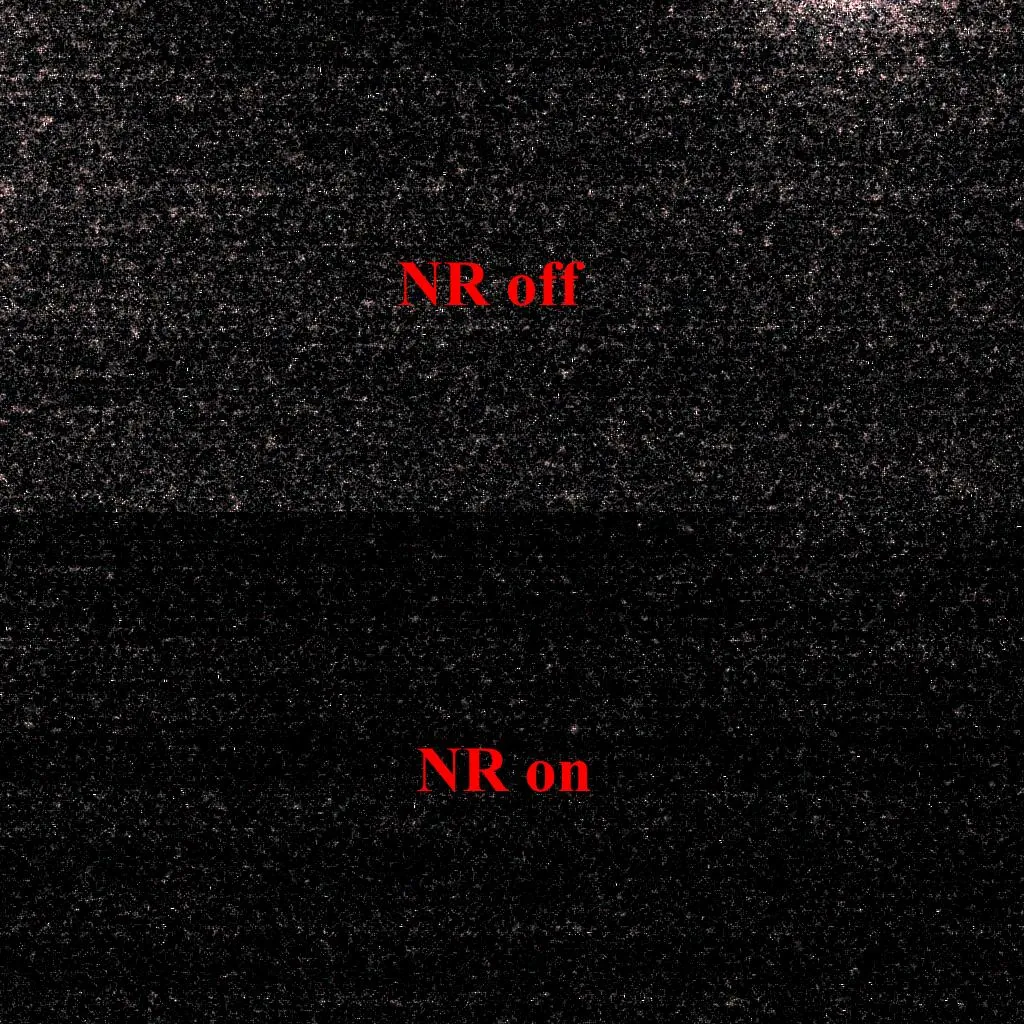
- Effect, Noise Reduction, OK. Default settings work well; bump Sensitivity to 8-10 for heavier hum.
Do not overdo it – over-reduction makes voices sound robotic and underwater.
What microphones pair with these editors?
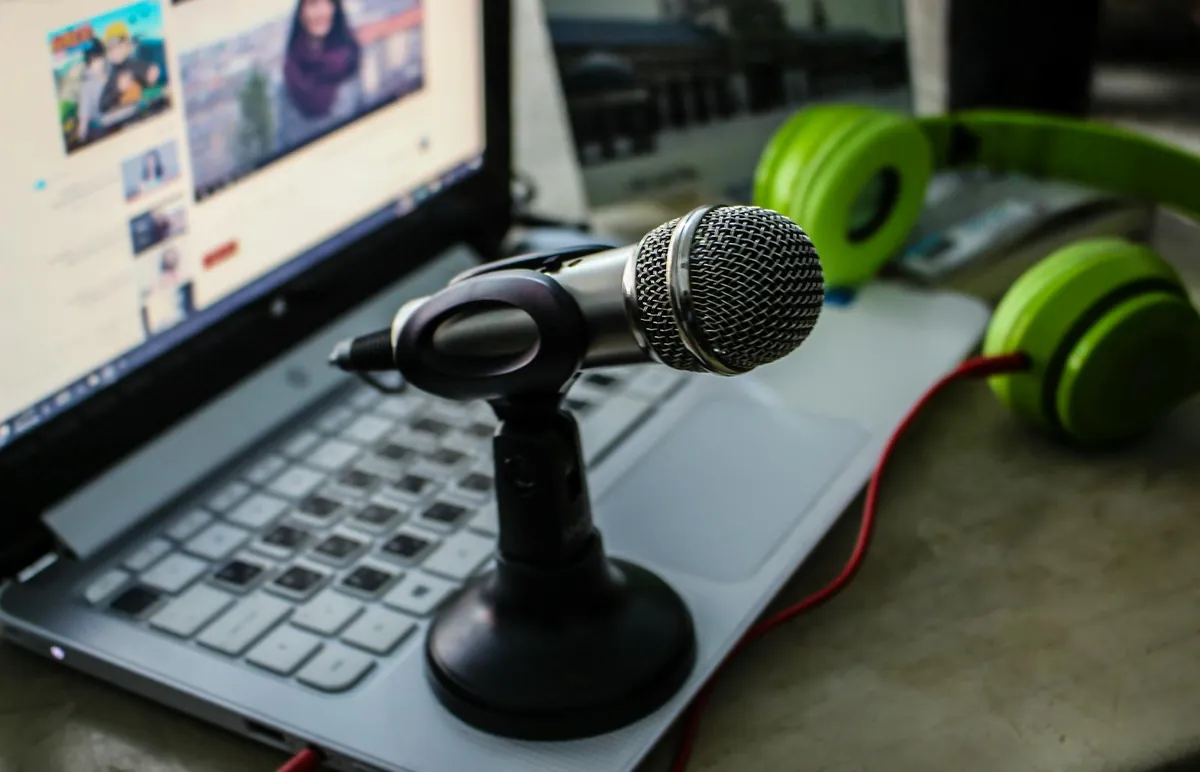
Software is half the equation. Cheap USB picks: Samson Q2U ($79 USD), Audio-Technica ATR2100x-USB ($99). Better: Shure MV7+ ($229), Rode PodMic USB ($199). All record clean WAV to Audacity directly.
Avoid Blue Yeti – notorious for picking up background sound. Dynamic mics (Q2U, MV7+) are forgiving of room noise.
What about AI tools and Adobe Podcast Enhance?
Adobe Podcast Enhance (free at podcast.adobe.com) is the easiest “make my audio sound professional” tool in 2026. Upload WAV, get cleaner audio back. Combine with Audacity for final editing.
For broader productivity around your podcast workflow, see my free video editors guide if you publish video versions. For backing up your show files, my backup software guide – I have heard too many “lost the whole season” stories.
Frequently Asked Questions
Is Audacity safe to download?
Yes – the official audacityteam.org. There was 2021 ownership change drama with telemetry but the open-source community forked the cleanest builds. Current Audacity is safe.
Can I record directly into Audacity?
Yes. Plug in USB mic, set as input in Audacity, hit record. Save as .aup3 project file as you edit, export as MP3 when done.
Will Reaper expire after 60 days?
Technically yes, practically no. The nag screen takes 5 seconds. Buying $60 personal license is the ethical move if it becomes your daily tool.
What is the best free audio for noisy environments?
Adobe Podcast Enhance preprocessing, then Audacity noise reduction. Two passes are better than one heavy pass.
Can I edit on a phone?
For light edits, GarageBand iPad, Spreaker Studio iOS/Android. Real editing needs a desktop.
