“What editor should I use?” is the second question every coding beginner asks after “what language should I learn?” I have onboarded a dozen new developers in my Toronto career and the answer in 2026 is clearer than ever.
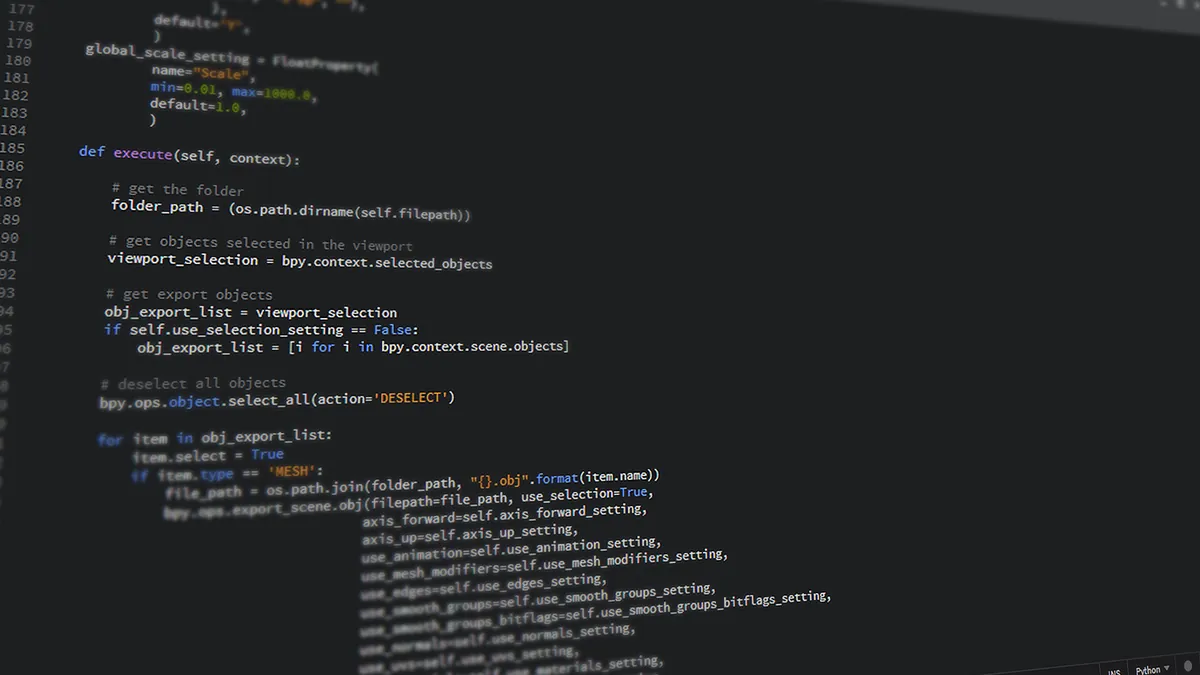
Which code editor should I install first?
VS Code (Visual Studio Code, free from code.visualstudio.com). It is the default in 2026. Every tutorial assumes you have it. Every framework has VS Code extensions. GitHub Copilot, Claude, and other AI assistants integrate natively.
Microsoft made it free, open source (mostly), and cross-platform. 70%+ of developers use it according to the 2025 Stack Overflow survey.
Is Zed better than VS Code?
For pure feel, yes – Zed is built in Rust, runs at 120 FPS, opens 100MB files instantly. AI integration with Claude and ChatGPT is first-class. Vim mode is excellent.
Limitations in early 2026: extension ecosystem is smaller (growing fast). Windows version is in beta. Some languages still have better tooling in VS Code (.NET, Java).
If you are starting fresh in 2026 on a Mac and learning Python, JavaScript, or Rust – Zed is a great pick.
What about Sublime Text in 2026?
Sublime Text 4 is technically a paid editor ($99 one-time license) but the free trial never expires. It just shows a “your evaluation has expired” nag every 30 saves. Some people use this as their permanent editor.
Why Sublime: fastest editor of its generation (before Zed). Powerful command palette. Reliable. Why not: extension ecosystem stagnated since 2022.
Is Notepad++ still useful?
Yes – for quick edits on Windows, Notepad++ remains unbeatable. Open it instantly, paste a config file, edit, save. Not a full IDE but the right tool for the 30-second job.

How do they compare?
| Editor | Cost | Best For | OS | AI Built-In |
|---|---|---|---|---|
| VS Code | Free | Universal default | Win/Mac/Linux | Via Copilot ($10/mo) |
| Zed | Free | Speed, modern feel | Mac, Win beta, Linux | Yes (free tier) |
| Sublime Text 4 | $99 (trial works) | Power users | Win/Mac/Linux | No |
| Notepad++ | Free | Quick Windows edits | Windows | No |
| Cursor | Free + paid | AI-first coding | Win/Mac/Linux | Yes (heavy) |
What about Cursor and AI-first editors?
Cursor is a VS Code fork built around AI coding. Free tier limits AI requests; Pro at $20/month unlocks more. If you live in AI-assisted coding, Cursor is worth a look. For learning fundamentals first, stick to VS Code or Zed and add AI when you understand what it suggests.
I cover AI coding assistants in depth in my AI coding assistants guide.
What VS Code extensions should I install first?
Open the Extensions panel (Ctrl+Shift+X / Cmd+Shift+X) and install:
- Python (Microsoft) – if learning Python
- Prettier – auto-formats code
- ESLint – JavaScript linting
- GitLens – git superpowers
- Live Server – HTML preview in browser
- One Dark Pro – my favorite theme (subjective)
Avoid extension hoarding – 10 well-chosen extensions are faster than 50 random ones.
How do I set up VS Code for Python development?
- Install Python 3.13. See my dedicated Python on Windows 11 guide.
- Install VS Code.
- Install the Python extension from Microsoft.
- Open a folder for your project. File, Open Folder.
- Create a virtual environment. Terminal,
python -m venv .venv, then.\.venv\Scripts\activateon Windows orsource .venv/bin/activateon Mac. - VS Code will detect the venv and ask if you want to use it. Yes.
- Create hello.py, type
print("hi"), press F5 to run. Done.
What hardware do I need to code?
Anything from the last 5 years works. Coding is not GPU-intensive. 8GB RAM minimum, 16GB comfortable. For larger projects (React Native, Android), 16GB minimum.
For building a dedicated dev machine, see my custom PC build guide. For coding on Linux, my Ubuntu beginner guide. For protecting your GitHub account with a strong password, my password manager guide.

Frequently Asked Questions
Is VS Code actually free?
Yes – free for personal and commercial use. The MIT-licensed open-source build is called VSCodium if you want zero Microsoft telemetry.
What is the difference between VS Code and Visual Studio?
VS Code is a lightweight cross-platform editor. Visual Studio is the heavy IDE for Windows-only .NET and C++ development. Different tools.
Should I learn Vim?
Eventually useful but not for absolute beginners. Enable Vim mode in VS Code (Vim extension) once you are comfortable with basics.
Does Zed support Python and JavaScript well?
Yes – both have first-class language servers in Zed in 2026.
What happened to Atom?
GitHub discontinued Atom in December 2022 after the Microsoft acquisition. VS Code is the spiritual successor.
