If you do not have a real backup, you do not have a real plan. I have rescued too many Toronto clients from “the laptop just died” panic to skip this. The good news: free backup software in 2026 is genuinely excellent. The bad news: most people still rely on “I copied stuff to a USB sometimes.”
Here is what works in 2026, ranked by setup-once-forget-forever ease.
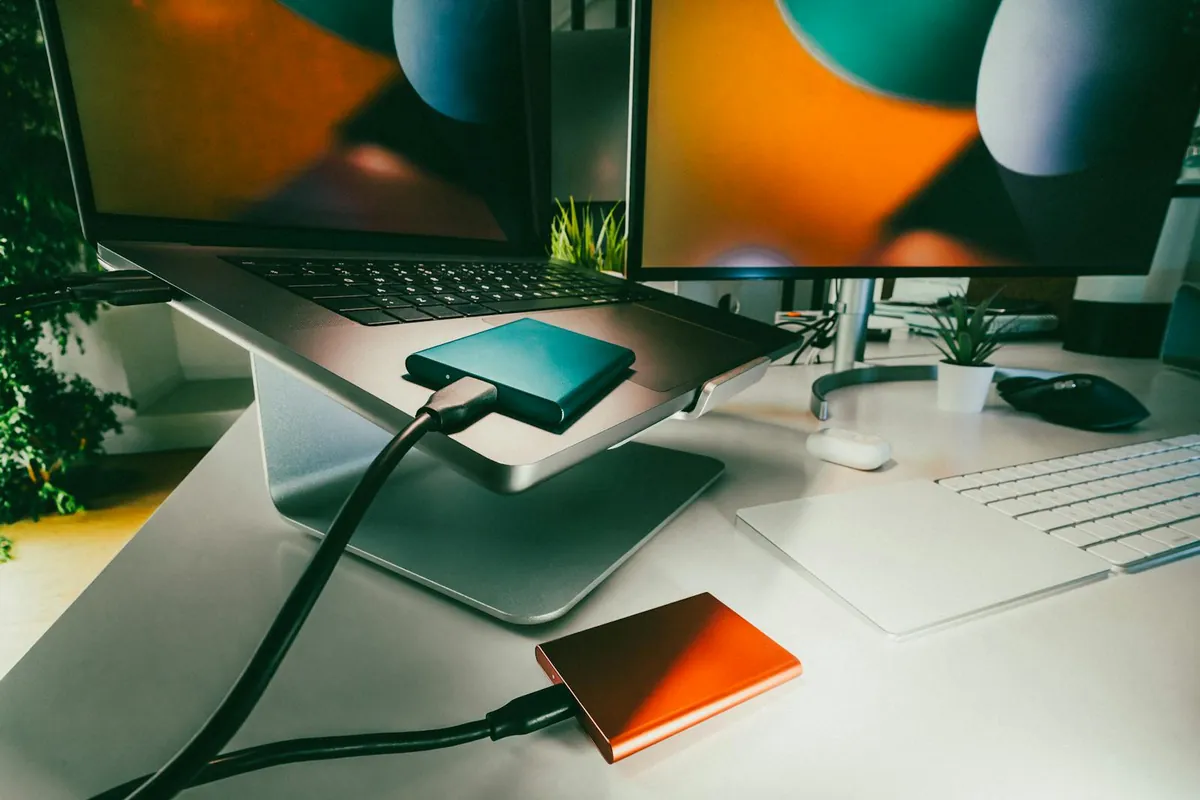
Which free backup software should I install first?
On Windows, Macrium Reflect X Home from Macrium. Free for personal use. Full image backups, incremental backups, scheduled, and most importantly – bootable rescue media that boots into a clean recovery environment if Windows refuses to start.
On Mac, just use Time Machine. It is built in, works flawlessly with any external drive, and the only better option is a NAS over the network.
What is the difference between image backup and file backup?
Image: full snapshot of the drive including OS, programs, settings. Restore everything in 30 minutes. Best for “my laptop died.”
File: just your documents/photos/data. Smaller, faster, more flexible. Best for “I want my files in the cloud too.”
Pro tip: do both. Image backup weekly to an external drive. File backup nightly to cloud.

Is Veeam Agent free still worth using?
Veeam Agent for Windows Free is enterprise-grade software with a free personal tier. Slightly clunkier UI than Macrium, equally capable. If you have used Veeam at work, you already know it.
What about EaseUS Todo Backup free?
Friendly UI, full system images, schedule. The free tier increasingly nags you to upgrade. It works, but I prefer Macrium.
How do I back up to cloud for free?
Duplicati 2.x is the open-source pick. Encrypts your files locally with AES-256, then uploads to anywhere – Backblaze B2, Wasabi, OneDrive, Google Drive, S3. Free, cross-platform.
Restic is the command-line alternative. Faster, deduplication built-in, strong encryption. Steeper learning curve – worth it if you are comfortable in a terminal.
How do these compare?
| Tool | OS | Type | Cloud | Difficulty |
|---|---|---|---|---|
| Macrium Reflect X | Windows | Image + File | No | Easy |
| Veeam Agent Free | Windows/Linux | Image + File | No | Medium |
| Time Machine | Mac | File + System | No | Easy |
| EaseUS Todo Free | Windows | Image + File | Limited | Easy |
| Duplicati | Win/Mac/Linux | File (encrypted) | Yes | Medium |
| Restic | Win/Mac/Linux | File (encrypted) | Yes | Hard |
What is the 3-2-1 backup rule?
The IT industry standard for not losing data:
- 3 copies of your data (the original plus 2 backups)
- 2 different media (e.g., internal SSD + external drive)
- 1 offsite (cloud, or a drive at a friend’s house)
My setup: Macrium nightly to a 4TB external. Duplicati nightly to Backblaze B2 (~$6/month for 1TB). USB drive in a fire safe with quarterly manual full image. Three copies, three locations, never lost a file.

How often should I back up?
Whatever matches your work schedule. I run image backups weekly (Sunday 3am), file backups nightly (1am), and a manual full image before any major change (OS upgrade, hardware swap).
If you actively work all day, an hourly file sync (like Time Machine) saves your last hour of work if something dies.
What about cloud-only backup services?
Backblaze Computer Backup ($99/year, unlimited) is the easiest paid option. iDrive ($69/year, 5TB) is the best value for multiple devices. Both are great if “free + DIY” sounds like work.
For backing up your phone separately, see my phone photo backup guide. For encrypting backups before they leave your machine, my encryption guide covers the tooling. And if you need to recover a file you already lost (no backup yet), my file recovery roundup is your hail mary.
Frequently Asked Questions
Can I back up to a NAS for free?
Yes – Macrium, Veeam, and Time Machine all support network shares (SMB). Synology and QNAP NAS units include their own backup apps too.
Will an SSD wear out from constant backups?
No realistic risk in 5+ years of normal use. Modern SSDs are rated for 600+ TB writes; nightly incremental backups write a few GB.
What about ransomware?
Critical. Backups need to be offline or immutable. Macrium has “Image Guardian” feature. Backblaze and Wasabi support object-lock cloud buckets. Connected USB drives are vulnerable – ransomware encrypts them too.
Is Windows File History enough?
For files only, sort of. It is more limited than alternatives and Microsoft has not improved it in years. Use Macrium instead.
How big should my backup drive be?
2x the source drive at minimum, 3-4x if you want a few months of incremental history.
