The Lenovo ThinkPad T470 in my Toronto basement was about to head to Best Buy electronics recycling in 2022. Instead it runs Ubuntu Server 24.04, a Plex server feeding two TVs, a Nextcloud instance for the family, and Pi-hole blocking ads for every device on my network. Power bill impact: about C$8/month. Replacement cloud-service cost: ~$50/month.
Here is the exact stack I run, simplified for someone trying it for the first time.
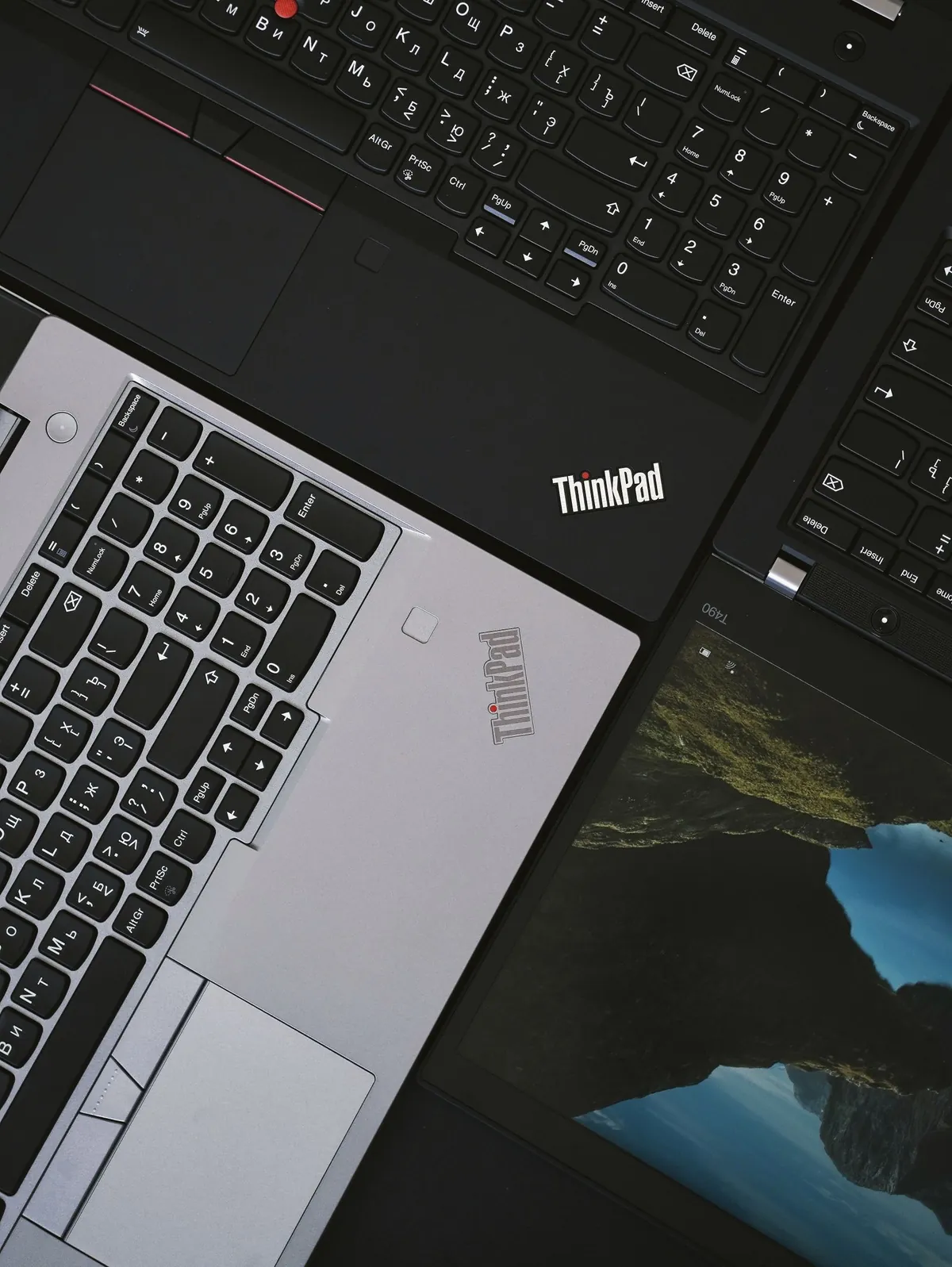
What hardware do I need for a home server?
Almost anything still working. My recommendations in order of preference:
- Old laptop with working battery – acts as its own UPS during power blips. T470, X1 Carbon, MacBook Pro 2015, anything dual-core or better with 8GB+ RAM.
- Old desktop tower – more drive bays for storage. i5-6500 or better, 8GB+ RAM.
- Mini PC (Intel NUC, Beelink) – power efficient, quiet.
- Raspberry Pi 5 (8GB) – $80 USD, fine for Pi-hole + Nextcloud lite, weak for Plex transcoding.
My T470: i5-6300U, 16GB RAM, 256GB SSD + 4TB external USB drive. Cost me $0 (already owned). It handles two 1080p Plex streams simultaneously without breaking a sweat.
Why Ubuntu Server instead of Windows?
Free, stable, ships with no GUI overhead (more RAM for your apps), updates without nagging reboots, and Docker runs perfectly. Ubuntu Server 24.04 LTS gets security updates until 2034.
If terminal scares you, Ubuntu Desktop is a fine compromise. You lose some RAM to GNOME but everything else works.
How do I install Ubuntu Server?
- Download ISO from ubuntu.com/download/server.
- Create bootable USB with Rufus (Windows) or balenaEtcher.
- Boot from USB. Hit F12/F2/Esc at boot to pick boot device.
- Install. Pick “Install Ubuntu Server (minimized)”, set hostname, create user, install OpenSSH server when prompted.
- Reboot, log in, run
sudo apt update && sudo apt upgrade -y. - Set static IP in your router so the server has a predictable address (mine is 192.168.1.50).
My full first-Linux walk-through is in my Ubuntu beginner guide.
Why Docker for everything?
One install per app. Easy upgrades. Easy backups (just the volume folders). Restart misbehaving apps in one second. Once you learn Docker basics, you will never install software directly again.
Install:
curl -fsSL https://get.docker.com | sudo sh
sudo usermod -aG docker $USER
sudo apt install docker-compose-plugin
Reboot. Done.
How do I set up Plex for media streaming?
A docker-compose.yml in /opt/plex:
services:
  plex:
    image: lscr.io/linuxserver/plex:latest
    container_name: plex
    network_mode: host
    environment:
      - PUID=1000
      - PGID=1000
      - VERSION=docker
    volumes:
      - ./config:/config
      - /mnt/media:/media
    restart: unless-stopped
Run docker compose up -d. Open http://server-ip:32400/web. Sign in with a free Plex account. Point libraries at /media (your USB drive).

What about Nextcloud and Pi-hole?
Same pattern – docker-compose files exist for each on their official docs. Pi-hole at github.com/pi-hole/docker-pi-hole, Nextcloud at hub.docker.com/_/nextcloud.
Pi-hole takes 5 minutes – install container, change router DNS to point at the server IP. Suddenly no ads on any device. Saves me from buying Premium tiers on a dozen apps.
What about security and remote access?
Do NOT forward ports from the internet to your server unless you know what you are doing. Use Tailscale or WireGuard for a private VPN to your home network. Tailscale free tier is 100 devices and works in 60 seconds.
For full-drive encryption on the server, my encryption guide covers LUKS-equivalent options. For backups of the server itself, see my free backup software roundup.

Frequently Asked Questions
Will running a server 24/7 hurt my old laptop?
Modern laptops are designed for it. Make sure airflow is unblocked. My T470 has been running 3+ years 24/7 with no issues.
Can I use Windows for a home server?
Yes, but you waste 4-8GB RAM on the OS and Updates will reboot the server randomly. Linux is the right answer here.
How much electricity does this use?
A 30W laptop running 24/7 = 21.6 kWh/month. In Toronto at ~14 cents/kWh that is C$3/month. A tower desktop closer to C$10/month.
Do I need a static internet IP?
No. Use Tailscale or Cloudflare Tunnel. Both work behind any home router with no port forwarding.
What if Plex transcoding is slow?
Direct stream by ripping content already in your devices’ native format. Or buy a used Intel NUC with Quick Sync for hardware transcoding ($150-300 USD).
