Microsoft 365 Personal in Canada runs $99/year (CAD) or $69.99 USD. For a household sending the occasional Word doc and tracking a budget in Excel, that is real money. The free alternatives in 2026 are good enough that I have moved a third of my Toronto small-business clients off Microsoft entirely.
Here is how the big three stack up after a month of daily use on Windows 11 24H2 and macOS Sequoia 15.
Which free office suite has the best Microsoft compatibility?
OnlyOffice 8.2, hands down. The team has obsessed over rendering .docx, .xlsx, and .pptx exactly as Word/Excel/PowerPoint do. I tested a client invoice template (heavy on tables, conditional formatting, embedded chart) – LibreOffice mangled the chart axis, WPS shifted the table by 8 pixels, OnlyOffice was pixel-perfect.
Download from onlyoffice.com. Free for personal and commercial use. Open source.
When does LibreOffice still win?
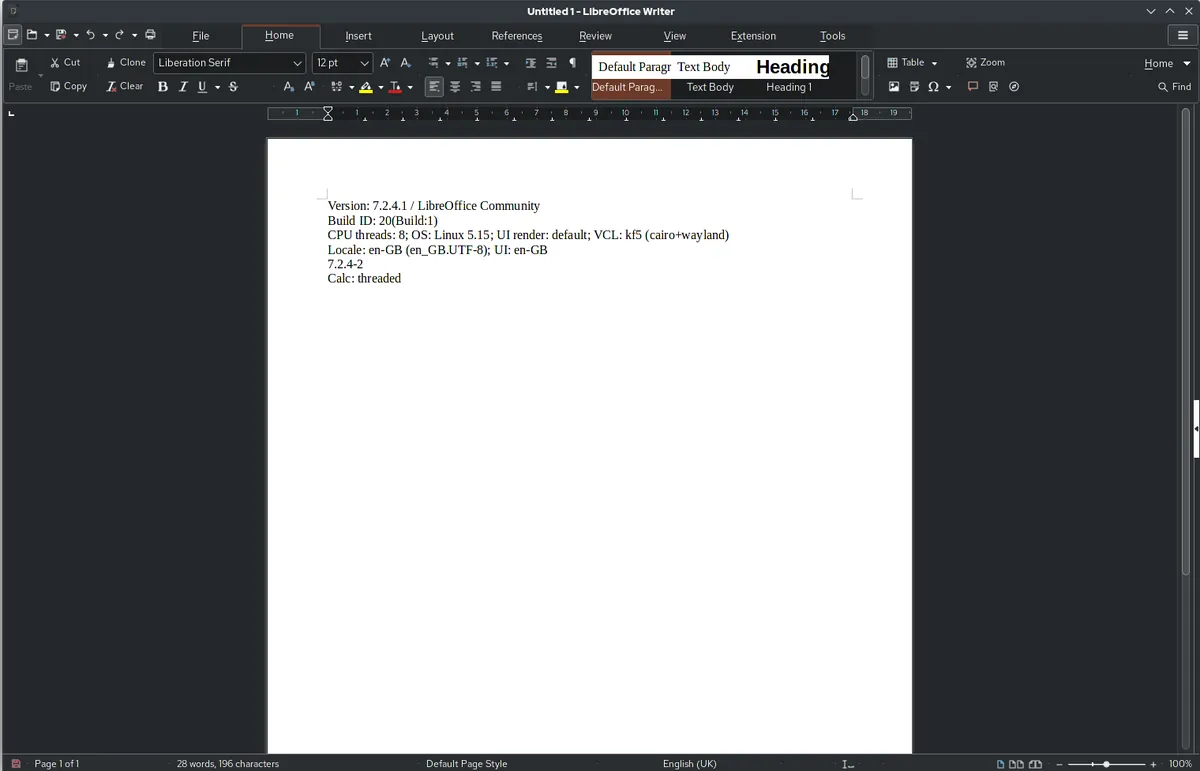
If you need power features – advanced spreadsheet pivot tables, Base (database, like Access), Draw (vector graphics), or Math (formulas) – LibreOffice 25.2 is the deeper toolkit. The 2024 NotebookBar UI finally feels modern, and macros via BASIC or Python are far more flexible than OnlyOffice.
Honest downside: .docx fidelity is still imperfect. Complex Word docs with tracked changes, content controls, or embedded Excel objects can render slightly off.
Is WPS Office worth it in 2026?
WPS Office 2026 is gorgeous – ribbon UI nearly identical to Office, tabbed documents (better than Microsoft, honestly), and a clean PDF reader baked in. The catch: free tier shows ads, pushes you to a paid Pro tier ($35.99/year), and the Chinese ownership (Kingsoft) raises privacy concerns for some sectors.
For personal use on a Windows PC, fine. For client/government data, I would not.

What is the head-to-head comparison?
| Suite | Version | .docx fidelity | Ads | OS | Open Source |
|---|---|---|---|---|---|
| OnlyOffice | 8.2 | Excellent | None | Win/Mac/Linux | Yes |
| LibreOffice | 25.2 | Good | None | Win/Mac/Linux | Yes |
| WPS Office | 2026 | Excellent | Yes (free tier) | Win/Mac/Linux | No |
| Microsoft 365 | 2025 | Reference | None | All | No ($70/yr) |
What about Google Workspace as a free alternative?
Free for personal use at docs.google.com – excellent if you live in a browser. The desktop versions of Google Docs (via Drive for desktop) are still web wrappers, not native apps. For offline work on a laptop, OnlyOffice or LibreOffice install once and never need WiFi.
Can I open password-protected Word files?
Yes – all three handle Word/Excel passwords. For stronger document security, encrypt the file separately. My Windows 11 encryption guide covers VeraCrypt and 7-Zip approaches that are far stronger than Office’s built-in protection.

How do I migrate from Microsoft Office?
- Inventory your files. Note any .docm/.xlsm with macros – those may not migrate cleanly.
- Install your chosen suite. OnlyOffice for compatibility, LibreOffice for power, WPS for visual familiarity.
- Set as default app. Windows 11: Settings, Apps, Default apps. Pick .docx, .xlsx, .pptx and route to the new suite.
- Test critical files. Open your most important documents. Fix any layout breaks.
- Uninstall Microsoft Office only after a week of clean operation.
For other free productivity tools, see my free time tracking apps and free calendar apps roundups. Together they form a complete free productivity stack.
Frequently Asked Questions
Can OnlyOffice open .doc (old Word) files?
Yes. All three suites read legacy .doc, .xls, .ppt. Saving back to those formats is also supported.
Do macros work in LibreOffice?
LibreOffice macros use its own BASIC or Python. Microsoft VBA macros do not run natively – LibreOffice has a partial VBA compatibility mode but complex macros need rewriting.
Which has the best mobile app?
OnlyOffice has the strongest mobile apps (iOS and Android), close to feature parity with desktop. LibreOffice mobile is basic.
Is OnlyOffice really free for businesses?
Desktop Editors yes, free for commercial use. Their cloud collaboration platform is paid for teams.
What about Apple Pages and Numbers?
Free on Mac and iCloud.com. Great for Apple-only workflows, awful for sharing .docx with Windows users.
