“I want my home to do stuff when I tell it to” – my friend Jeremy in Toronto asked for help getting started in November 2025. Two hours, $250, and three coffees later he had a working smart apartment. Here is the exact path I walked him through.
What is the cheapest way to start a smart home?
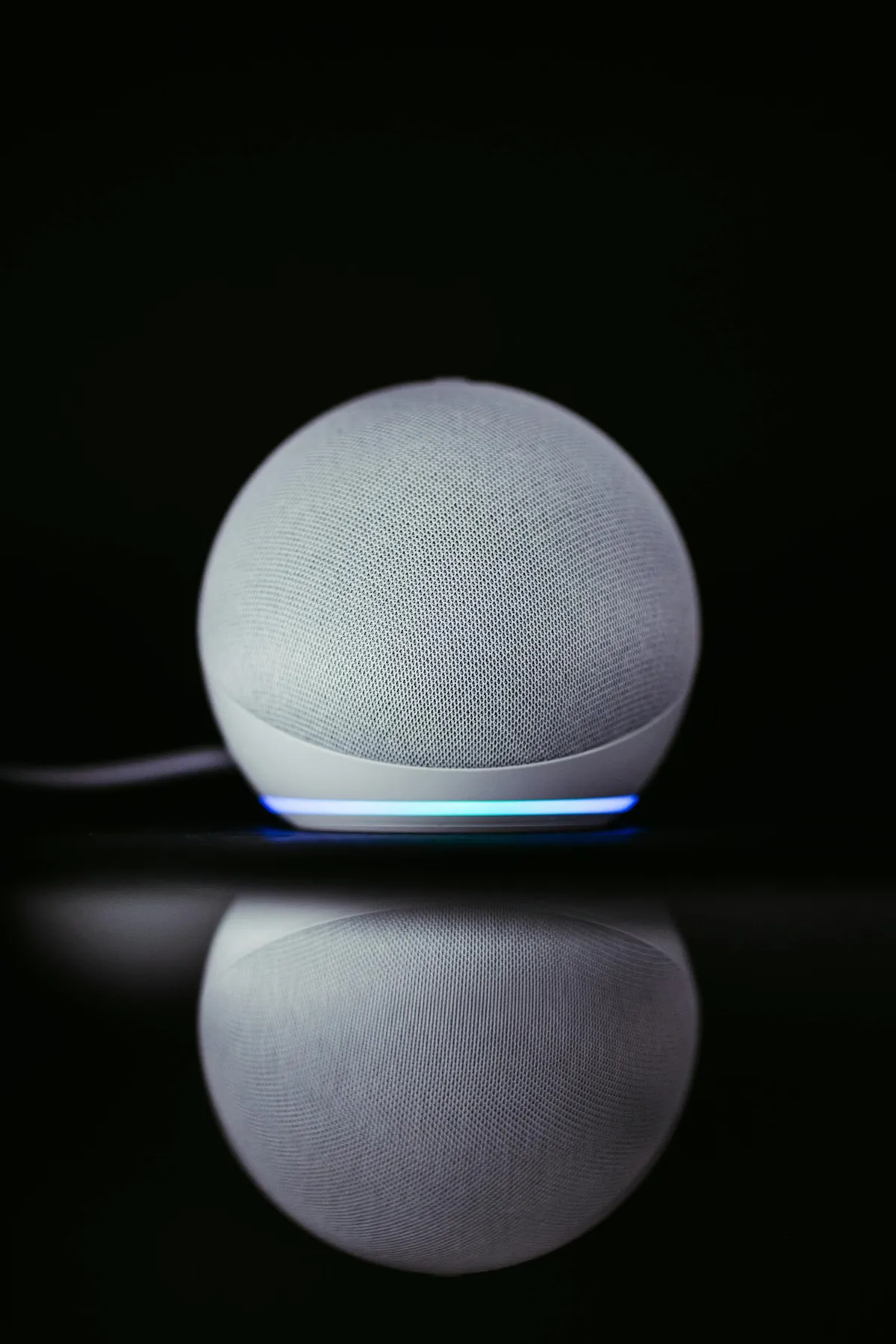
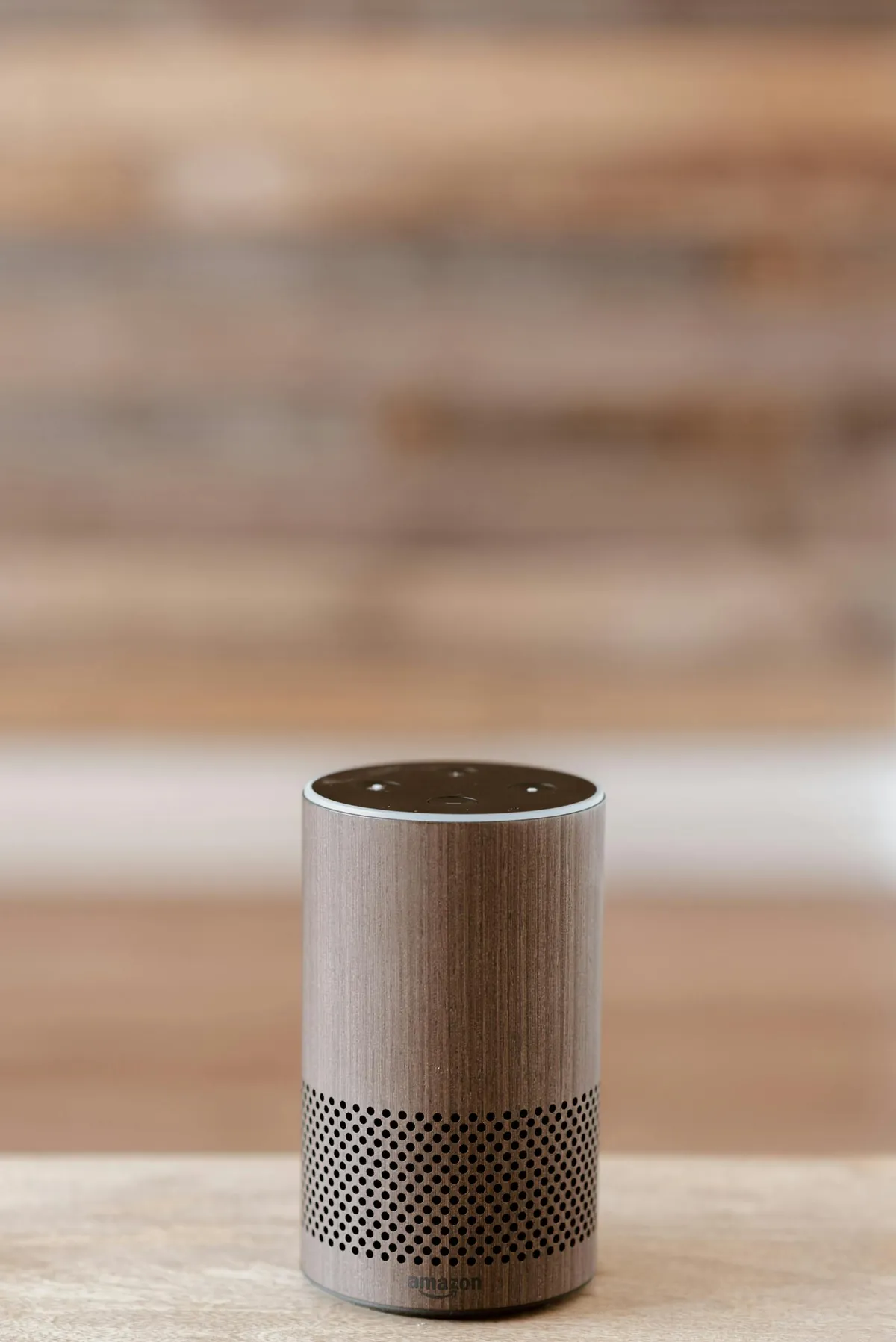
Buy one Amazon Echo Dot (5th gen, $49 USD) and one TP-Link Tapo P125M Matter smart plug ($16 USD). That is enough to control a lamp by voice. Total $65 USD ($89 CAD).
The Echo Dot is the cheapest path into Alexa. Echo Show 5 ($89) adds a screen if you want video calls or visual recipes. Skip the larger Echo Studio unless you also want a speaker.
How do I set up the Echo Dot?
- Plug it in. Wait for the orange ring.
- Download the Alexa app (iOS or Android), sign in with Amazon account.
- Tap Devices tab, + icon, Add Device, Amazon Echo, Echo Dot. The app finds it via Bluetooth.
- Connect to WiFi. Use 2.4 GHz for most reliable connection (Echo supports 5 GHz but range is shorter).
- Pick a location name (Living Room, Bedroom). Important for routines later.
For WiFi reliability, see my WiFi 7 router guide. Smart home devices need a stable network.
What devices should I add first?
Build up gradually, not all at once:
- Smart plug ($16-25) – turns any lamp into a smart lamp. TP-Link Tapo, Amazon Basics, Kasa.
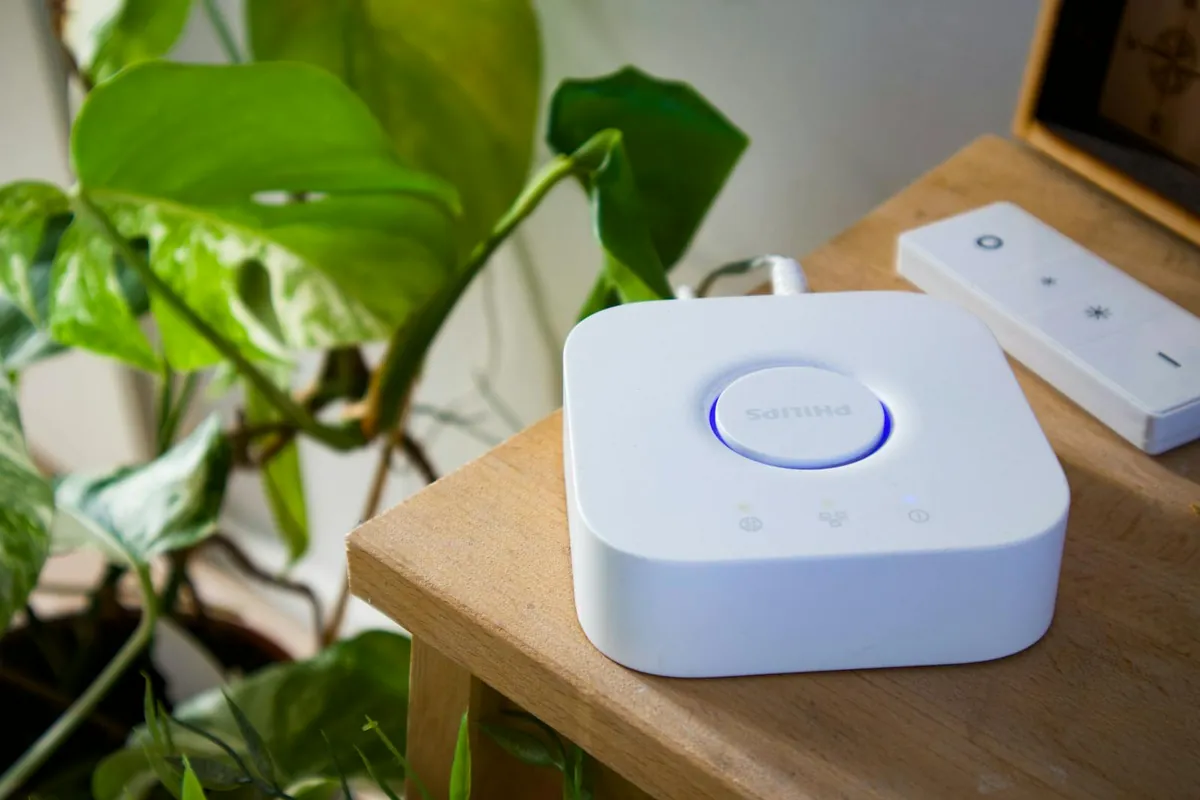
- Smart bulb ($15-50) – Philips Hue (expensive, premium ecosystem) or TP-Link Kasa (cheap, good enough). Color-changing or just dimmable.
- Smart thermostat ($129+) – ecobee Lite or Nest Learning. Saves heating bills in Toronto winters.
- Smart lock ($199+) – August or Yale. Auto-locks at night, lets in delivery folks remotely.
- Camera ($35+) – Blink Mini (Amazon’s cheap), Ring Indoor Cam, Wyze.
What is Matter and why does it matter?
Matter is the cross-platform smart home standard that finally landed in 2024. A Matter device works with Alexa AND Google Home AND Apple HomeKit AND Samsung SmartThings. No more buying a device that only works with one platform.
In 2026, every new device should be Matter-compatible. Look for the Matter logo on the box. If it is not Matter, skip it.
How do Alexa Routines work?
Routines automate sequences. Open Alexa app, More tab, Routines, +. Example – my “Good Morning” routine:
- Trigger: voice command “Alexa, good morning” or daily at 7:00am
- Actions: turn on bedroom lights at 30% brightness, set thermostat to 21C, read today’s calendar, play CBC News briefing
Routines transform Alexa from “voice remote” to “smart home.” Spend an hour building 5-6 of these and your house feels different.

How do I compare Alexa vs Google Home vs Apple HomeKit?
| Platform | Starter Speaker | Strengths | Weaknesses |
|---|---|---|---|
| Alexa | Echo Dot $49 | Most devices, biggest skills | Privacy concerns, ads |
| Google Home | Nest Mini $39 | Best voice AI | Smaller device ecosystem |
| Apple HomeKit | HomePod Mini $99 | Best privacy | Smaller device list, iPhone-only setup |
| Samsung SmartThings | Hub $135 | Most powerful automations | Steeper learning curve |
What about privacy?
Always-listening microphones make smart speakers a privacy trade-off. Mitigate:
- Use the physical microphone mute button when sensitive conversations happen
- Delete voice history weekly (Settings, Alexa Privacy)
- Disable “Help improve Alexa” sharing
- Apple HomeKit is the most private option if Apple ecosystem fits
How do I troubleshoot when Alexa stops responding?
- Check WiFi – if a router restart fixes it, see my network fixes guide.
- Restart the Echo by unplugging for 30 seconds.
- Update firmware via Settings in the Alexa app.
- For specific device control issues – remove and re-add the device.
For broader phone-to-smart-home integration, see my iPhone vs Android comparison. For network-level smart device protection (Pi-hole blocks ad telemetry from smart devices too), my home server guide.
Frequently Asked Questions
Do I need an Echo if I have an iPhone for HomeKit?
No – HomePod Mini ($99) is the Apple equivalent. iPhone alone works as the hub via Home app.
Will smart devices work without internet?
Some – Matter devices work locally. Older Alexa-only devices break without WiFi.
How much do smart bulbs cost to run?
LED smart bulbs use 8-10W, same as regular LED. Standby power is negligible. Total impact on electricity bill: under $2/month per bulb.
Can Alexa control my Sonos?
Yes – link Sonos in Alexa app. Voice commands play music to Sonos speakers.
Are smart locks secure?
Better than mechanical in most cases (auto-locking, no key under mat). The physical lock body is the weak link, not the smart part.
